REQUIREMENTS
Please slow down and take a moment to read the following:
Our mission is to create real, lasting change for our patients. Every step and instruction is intentional. When directions aren’t followed, it not only foreshadows the outcome of your case but also takes away valuable time and energy that should be spent on processing/managing cases and patient care.
Please take the time to read and follow all instructions carefully the first time—so we can focus fully on making a difference, not fixing or troubleshooting avoidable tech mistakes.
Read instructions all the way to the end BEFORE working on anything, to avoid missing information or inputting incorrect information.
If your information were input incorrectly because directions were not fully read or followed the first time, please take a moment to go back, reread the instructions or screenshots/video tutorial below, or click through necessary links before reaching out to us.
All of your questions are already answered on this page.
We’re happy to assist when truly needed, but fixing avoidable mistakes takes time away from caring for our patients and supporting families who have completed their steps correctly.
We understand you are busy. If our requested items are not completed correctly by the requested timeframe, we will (without notice) cancel and refund your booking and 1:1 session so you may take some time to prepare by our next available lecture date.
1. Please complete applicable intake forms for your child, or for yourself if you are the adult patient. Please complete no less than 3 days before your group lecture.
Pediatric Forms (if your child is the patient)
Arbitration and Consent to Treat
Adult Forms (if you are the patient)
2. You will receive an invite via email to upload necessary photos and videos to Google Drive. If you do not have a Google account, you will need to create one in order to access Google Drive folders that we create for you.
We need minimum of 5 days worth (breakfast, lunch, dinner) of adults and children’s meals photos, following the guidelines below. For child patients, we ask that the adults submit adults’ food and beverages as well:
Ingredients and pot/pan while you’re cooking, and plated food, takeout, potluck, etc
Ingredients list (NOT nutritional information) of packaged goods (milk, baby formula, broths, juice pouches, snacks, seasoning, etc)
Your pots and pans, cooking utensils
Plates, bowls, utensils, food storage, chopping board, spatulas, mixing bowls, etc
Your child’s play areas, and other videos specified in the folder.
The more detailed pictures and videos you provide for us, the better we can analyze and study your case.
3. If your child is the patient, create Unified Practice account in his/her name. If you are the patient, create account in your name.
Make sure you log back in and click through all “Forms” tabs to fill out information, including your address. Make sure you select what STATE you live in. If you input address and state incorrectly, you will need to make corrections on a desktop or laptop. We don’t know why. So please do it right the first time.
You can make corrections to the patient name from “Forms” tab as well. Your child’s phone number should be your phone number. Your own name should be your child’s emergency contact and what we will input on shipping label. Secondary phone number should be your partner/spouse.
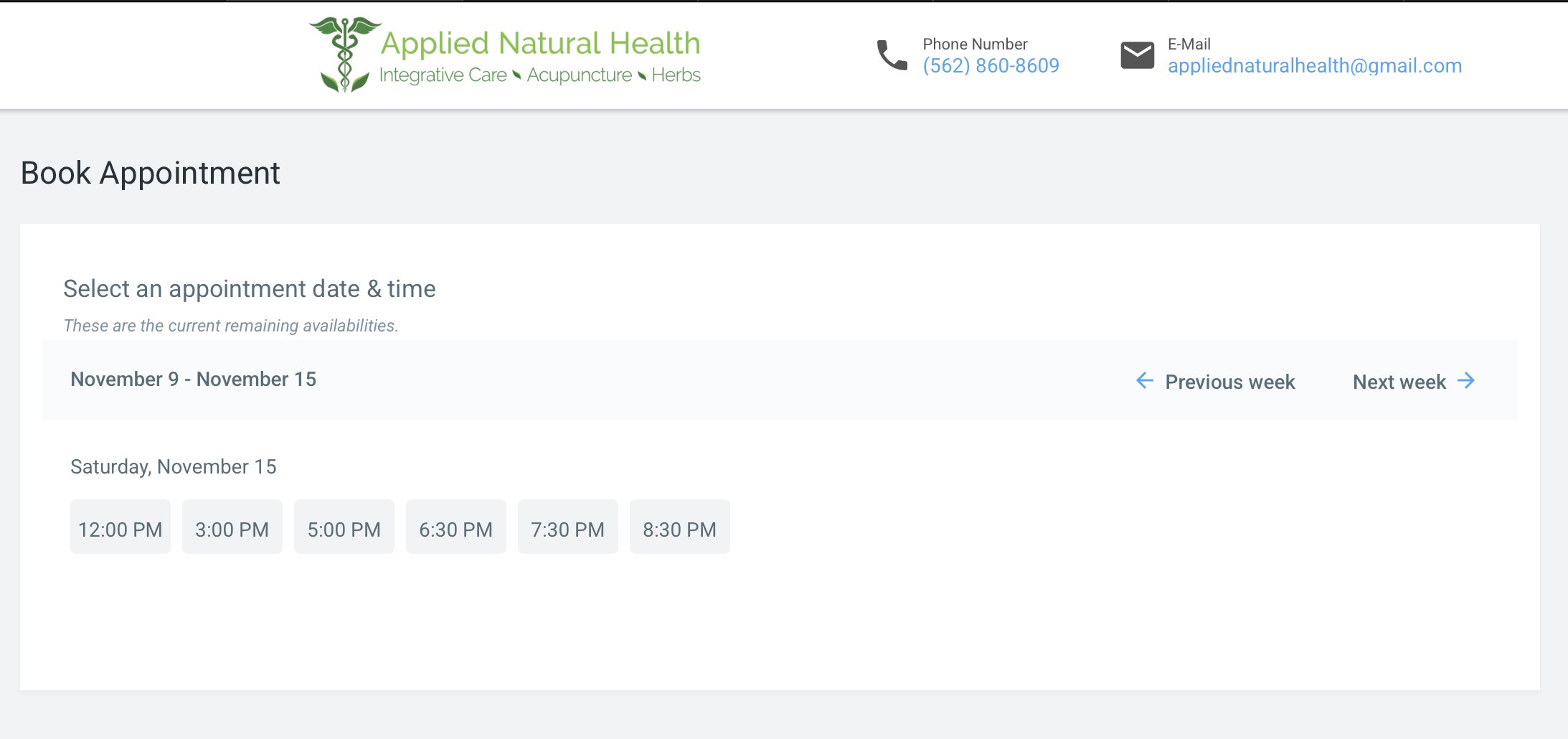
Select a private 1:1 time that’s available within the week after your lecture. Available times shown on Unified Practice are in our office’s time zone, Pacific Standard Time (PST). Please be aware of time difference.
Your appointment request will be rejected if you input the wrong patient name or address is incomplete. Or if your Google Drive does not have sufficient photos/missing files.
Address is required—please be sure your address and phone number are entered correctly.
We are not responsible for failed deliveries if you entered your address incorrectly in Unified Practice.