
REQUIREMENTS
Please slow down and take a moment to read the following:
Our mission is to create real, lasting change for our patients. Every step and instruction is intentional. When directions aren’t followed, it not only foreshadows the outcome of your case but also takes away valuable time and energy that should be spent on processing/managing cases and patient care.
Please take the time to read and follow all instructions carefully the first time—so we can focus fully on making a difference, not fixing or troubleshooting avoidable tech mistakes.
If your information were input incorrectly because directions were not fully read or followed the first time, please take a moment to go back, reread the instructions or screenshots/video tutorial below, or click through necessary links before reaching out to us.
All of your questions are answered on this page.
We’re happy to assist when truly needed, but fixing avoidable mistakes takes time away from caring for our patients and supporting families who have completed their steps correctly.
We understand you are busy. If our requested items are not completed correctly by the requested timeframe, we will (without notice) cancel and refund your booking and 1:1 session so you may take some time to prepare by our next available lecture date.
1. Please fill out all applicable files directly on your phone if possible, and upload to your shared Google Drive folder no less than 5 days before your group lecture.
Pediatric
Arbitration and Consent to Treat
Adults
2. Sharing Google Drive Main Folder and Subfolders (How to create a Google Drive folder) named as your name only, if you’re the patient. Or your name and child’s name if he or she is the patient).
For example, if my name is Amy Peng and my child’s name is Chloe, I would name my main folder as “Amy Peng for Chloe Peng”
We need 5 days worth of adults and children’s meals photos, following the guidelines below:
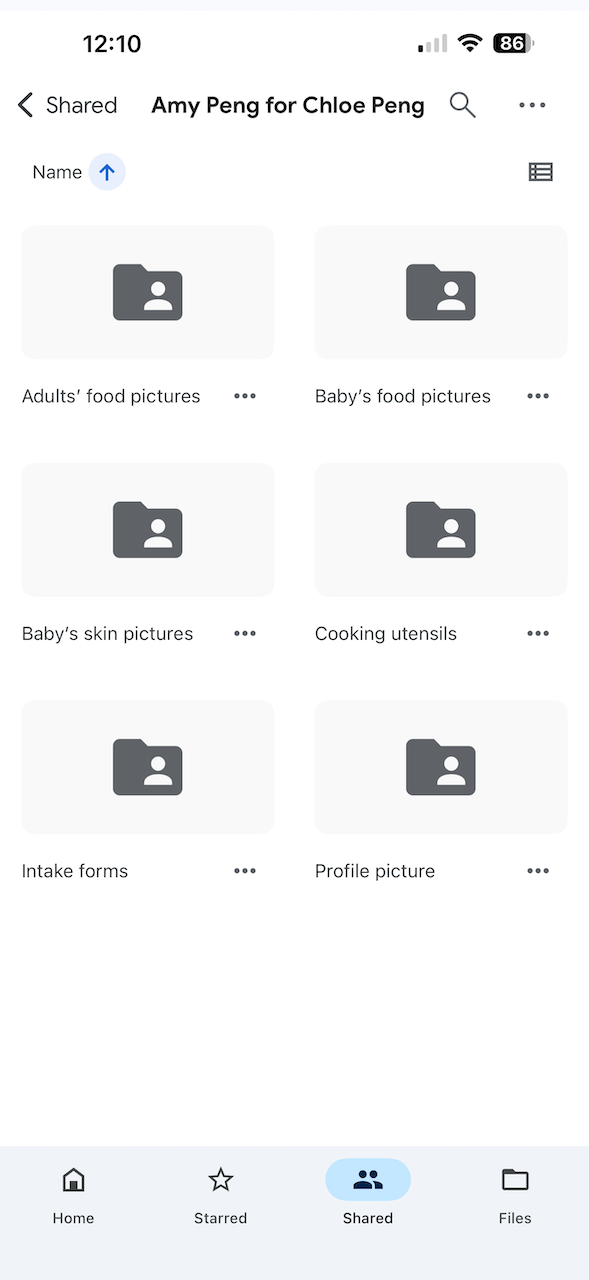
Baby’s skin pictures (past and present, with dates labeled)
Baby’s food pictures
Adult food pictures
Cooking utensils
Intake forms
Profile picture (close up of child and yourself together) for Unified Practice
Share/grant viewing access to your main Google Drive folder 5 days before your lecture to appliednaturalhealth@gmail.com
Do not create slides or attach photos to Google Doc.
Do not crop your photos.
Do not use images from search engines.
3. Create Unified Practice account only. Do not select an appointment time, as you are attending our lecture in-person.
If your child is the patient, create account in his/her name. If you are the patient, create account in your name.
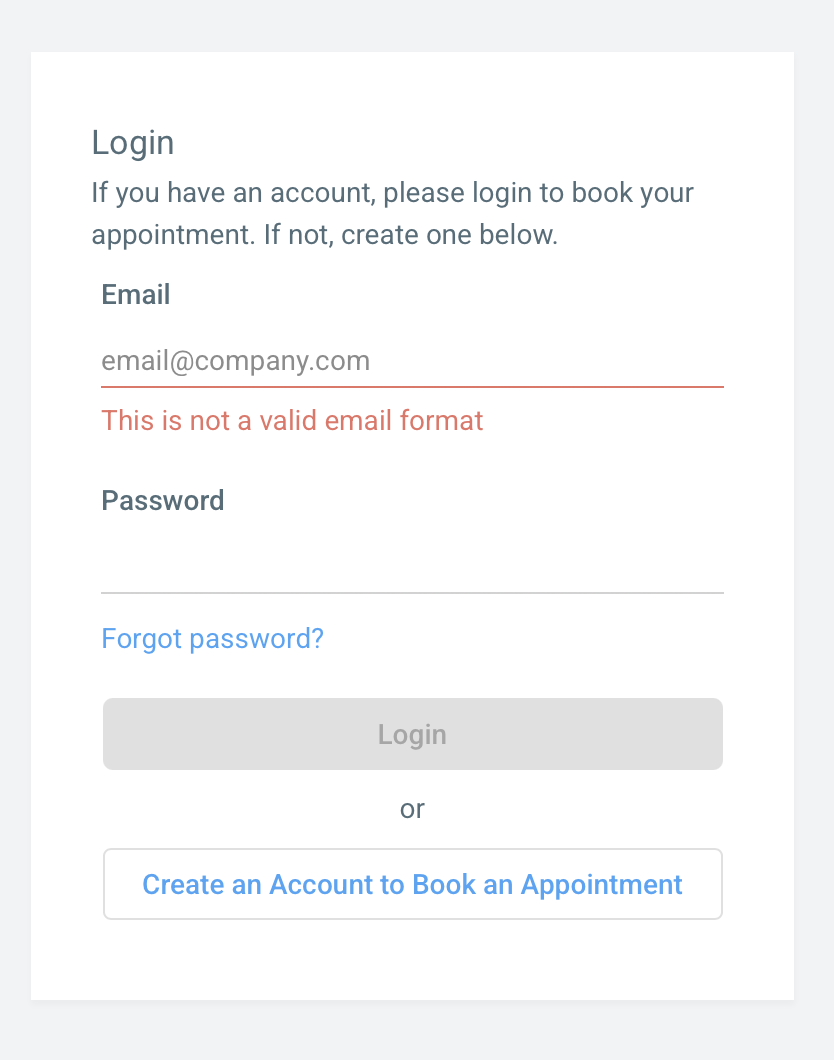
Make sure you go through all “form” tabs to fill out information, including your address. You can make corrections to the patient name from here as well. Your child’s phone number should be your phone number. Your own name should be your child’s emergency contact and what we will input on shipping label.
Address is required whether you are in-person or virtual—please be sure your address and phone number are entered correctly.
We are not responsible for failed deliveries if you entered your address incorrectly in Unified Practice.
Create Unified Practice account
If there are any issues, please direct your questions to appliednaturalhealth@gmail.com instead of social media.